Update an inquiry
- Locate the inquiry in the Inquiry section. You can use the Inquiry search bar to narrow your list of inquiries.
There are many ways to sort and filter inquiries in the Inquiry Dashboard. View the Search for an Inquiry reference page to learn more.
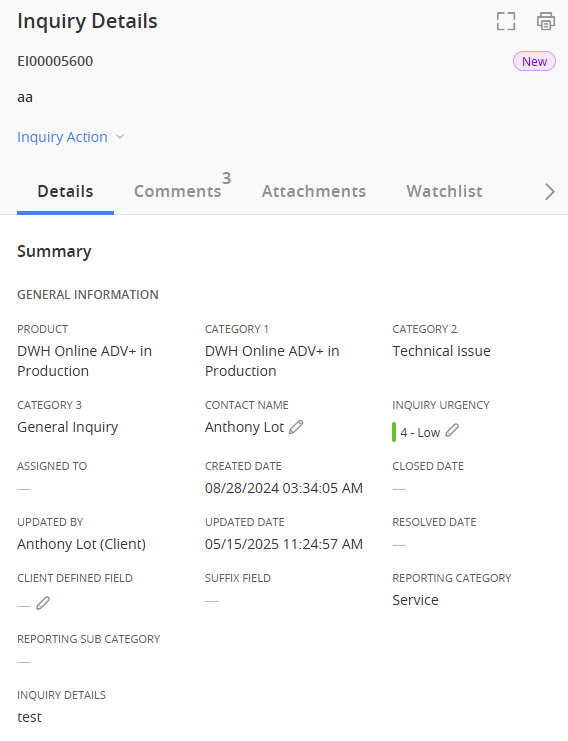
- Select the inquiry from the Inquiry List. The Details tab of the Inquiry Details pane appears.
-
You can make changes on the Inquiry Details, Comments, Attachments , and Watchlist tabs.
Inquiry Details
View the general information regarding the inquiry.
Comments
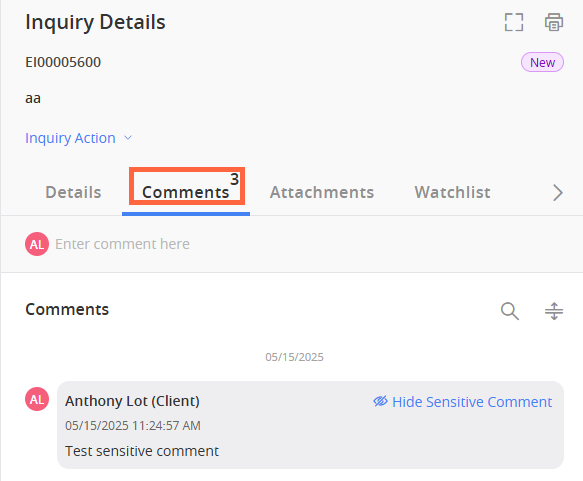
Use the Comments tab to communicate with the Fiserv associate assigned to the inquiry.
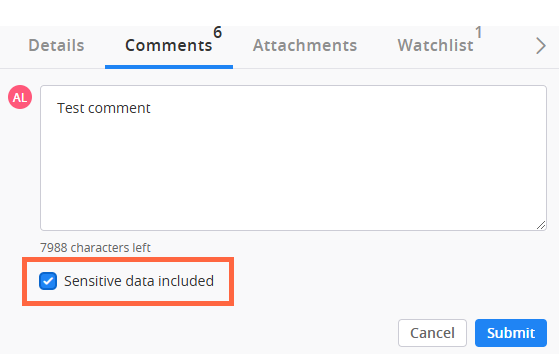
If the comment you are adding is of a sensitive nature, check the Sensitive data included checkbox. After you select Submit, a confirmation window appears asking you to confirm that you want Client360 to mask the comment. After you select Confirm, the comment will appear as sensitive, and only yourself or authorized users can view its data.
Client360 automatically classifies comments containing 9-19 digits as sensitive. The system does not count special characters as digits, except for dashes in the case of a Social Security Number or card number.
Attachments
Use the Attachments tab to upload supporting documents as necessary.
-
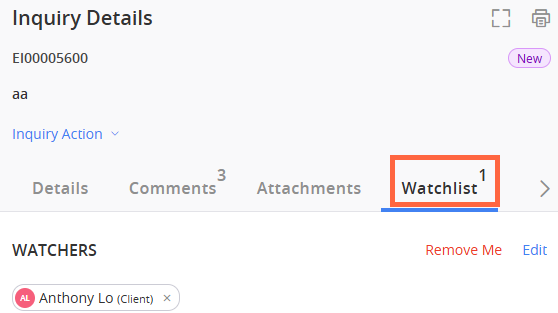
You can allow other users within your organization to receive notifications regarding the inquiry.
 Add yourself as a watcher on an inquiry
On the Watchlist tab, select Add Me.
Add someone else as a watcher
-
On the Watchlist tab, select Add.
-
Select the user or users that you would like to add to the Watchlist.
-
Select Submit.
-
 (Add Attachments).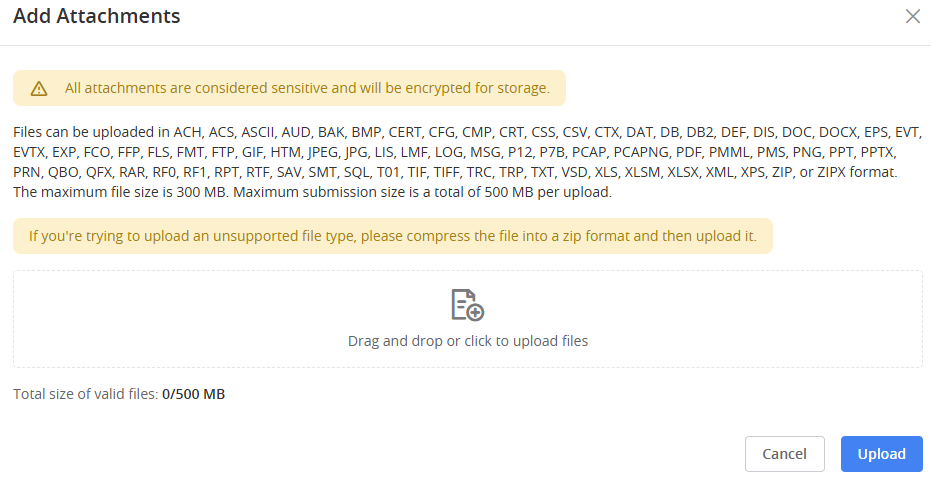
What Moves an Inquiry to the Updated Tab?
When Fiserv updates an inquiry, you will receive a notification in certain circumstances, and the inquiry will move to the Updated tab in your dashboard.
The following inquiry actions will trigger a move to the Updated tab and generate a notification:
View Inquiry Update Triggers
-
Fiserv updates the Contact Name on the inquiry.
-
Fiserv updates the Due Date on the inquiry.
-
Fiserv changes the Pending Code.
-
Fiserv changes the Assigned To Fiserv associate on the inquiry.
-
Fiserv reopens the inquiry.
-
Fiserv adds a comment to the inquiry.
-
Fiserv changes a comment from an internal note to a client-visible comment.
-
Fiserv adds an attachment to the inquiry.
-
Fiserv makes an internal attachment client-visible.