Find additional resources for Client360-InquiryPoint and InquiryPoint
This task describes how to access the Quick Links menu using the link icon on the right navigation bar. The Quick Links menu provides easy access to various tools, documentation, and additional resources.
-
Select the
 icon on your right navigation bar to open the Quick Links menu.
 -
Select the resource link you want.
 View image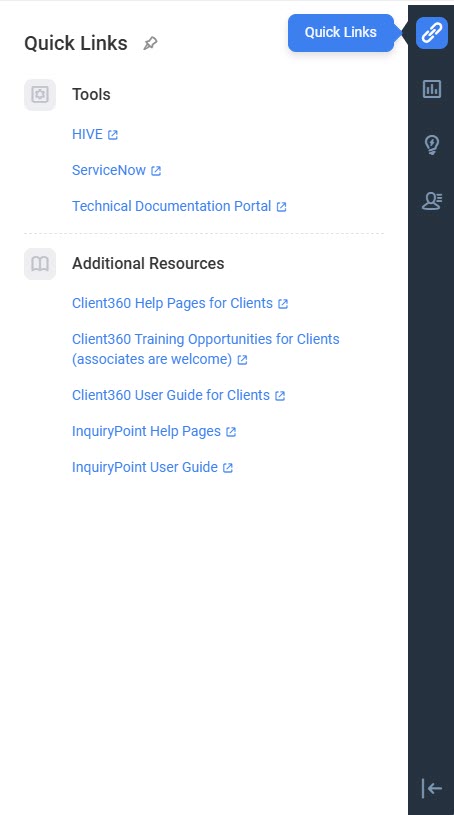
From Quick Links, you can:
-
Access Client360-InquiryPoint and InquiryPoint resources.
-
Find commonly used tools.
-
Find Client360-InquiryPoint training opportunities for clients.
-
Find recent InquiryPoint updates through the "What's New" notification in the right navigation pane.