Contact your Fiserv relationship team
You can contact members of your Fiserv Relationship Team, or simply view their contact information, at any time in the Relationship Team tab.
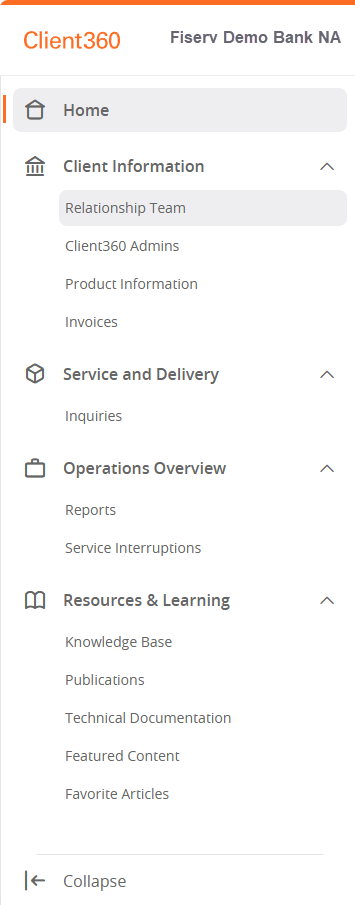
Navigate to the quick access menu and select Client Information > Relationship Team.
 View image
You will then see the contact information for each member of your Relationship Team. You can select their email address, which then opens a new tab where you can send an email to that associate. You can also contact them by phone using the listed phone number.
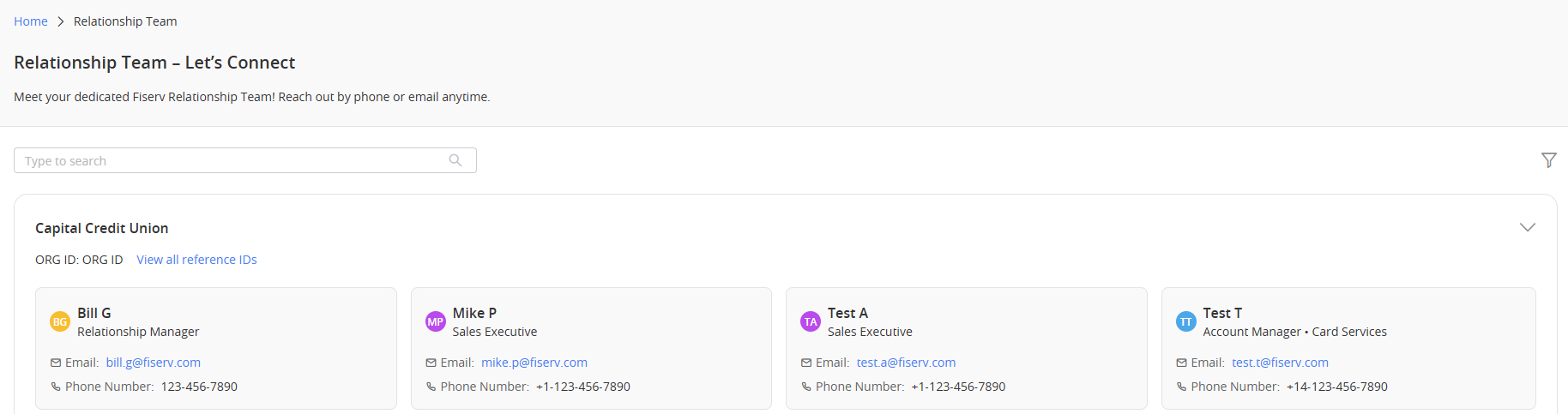
If you have a particularly long list of Relationship Team members, you can use the Sort and Order( ) option to narrow it down.