Print an inquiry
You can print any part of an inquiry so you have access to the details even when you are not at your computer.
Perform the following steps to print an inquiry.
-
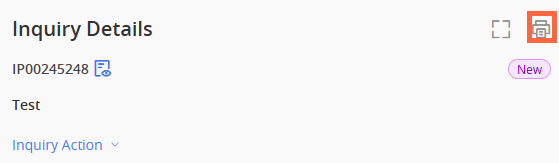
Select Print (
 ) in the upper-right corner of the inquiry.
 -
Configure your print settings.
-
Select Print.
If you entered any sensitive comment into the inquiry, the comment prints in full text form, allowing you to view the information you need anywhere.
When you select Save as PDF in the Destination field, the default file name format is the Inquiry Number, followed by the first 20 characters of the short description.
 View image