Print Out a Knowledge Article
If you prefer to view a Knowledge Article in hard copy form, perform the following steps to print it out.
-
Select Print (
 ) in the upper-right corner of the Knowledge Article.
 -
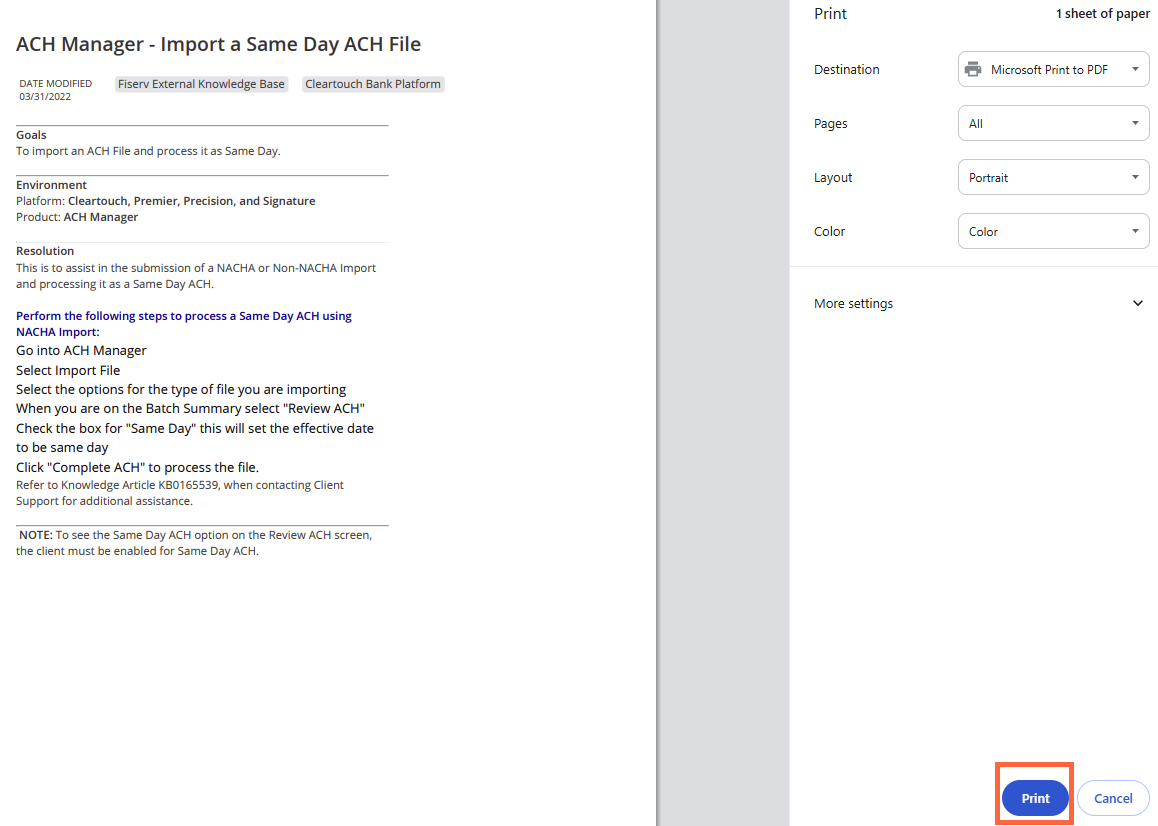
Configure your print settings as needed.
-
Select Print.
 View image