Mark content as read or unread
All items in the Service Interruptions, Publications, and Featured sections (either on the home page or in the View All window for these sections) that you have not read contain a blue indicator. After you select an item to open the content, the indicator no longer appears next to the item.
 View image
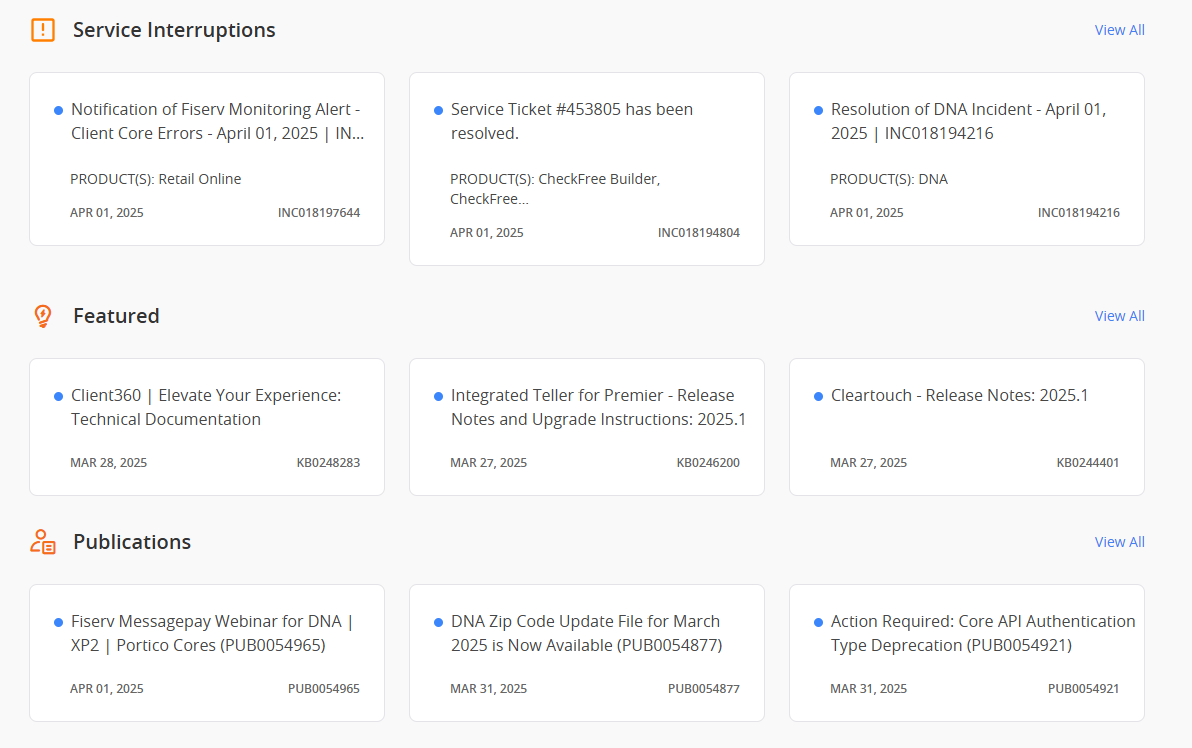
You can also manually mark items as read or unread. Perform the following steps to do so:
-
Select View All next to the section for which you want to mark items as read or unread.
-
Select Mark as Read / UnRead in the upper-right corner.
-
Check all of the items that you want to mark as read or unread.
-
Select Mark as Read or Mark as UnRead in the lower-right corner. If you mark the items as read, the blue unread indicator disappears. If you mark them as unread, the indicator appears.