Run an admin report
You can run the following types of reports from the Admin portal:
-
Contact Information - basic information about the contacts for a particular client.
-
Contact Information and Preferences - basic information and preferences set for the contacts for a particular client.
-
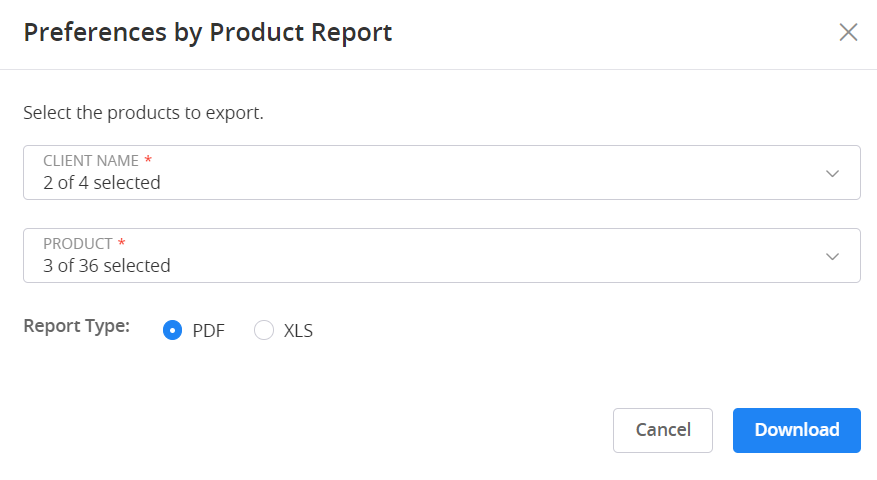
Preferences by Product - the preferences set for each product that a particular client owns.
Perform the following steps to run a report:
-
Expand the Quick Access menu.
-
Navigate to Operations Overview > Reports.
-
Select
 (Download) for the report you would like to run.
 -
Select the clients you want to include in the report.
-
Select the items you would like to export.
-
Select the method by which you would like to receive the report (PDF or XLS).
-
Select Download.
 View image
Admin reports are only visible to client admin users.