Run an Admin Report
This feature is not available for Germany clients.
-
From the Quick Access menu, select
 (Reports).
 -
Select
 (Download) for the report you would like to run.
 -
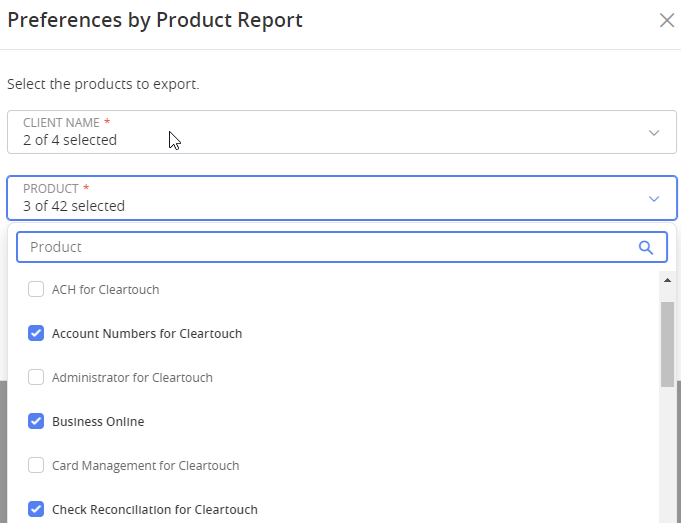
Select the clients you want to include in the report.
-
Select the items you would like to export.
-
Select the method by which you would like to receive the report (PDF or XLS).
-
Select Download.
 View image
Admin reports are only visible to client admin users.