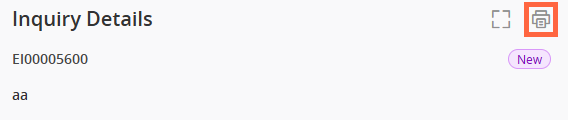
Print an inquiry
This feature is not available in the mobile version of Client360.
You can print any part of an inquiry so you have access to the details even when you are not at your computer.
Perform the following steps to print an inquiry.
This feature is not available in the mobile version of Client360.
You can print any part of an inquiry so you have access to the details even when you are not at your computer.
Perform the following steps to print an inquiry.
If you are experiencing
Back to Top
 ) in the upper-right corner of the inquiry.
 View image