Export a contact list
If you want to view a contact list outside of Client360, you can export it as an Excel file.
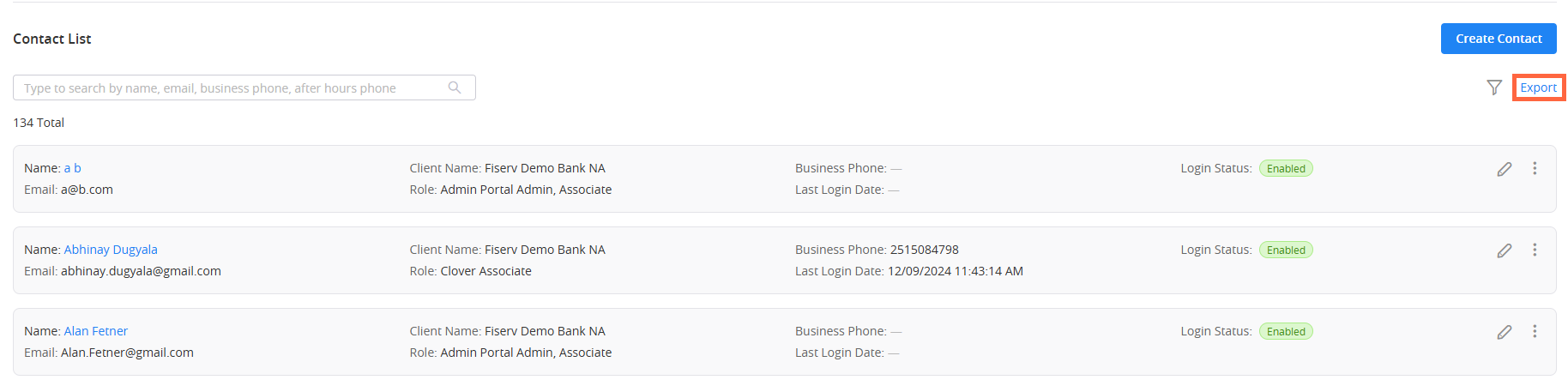
To export a contact list, select Export in the upper-right corner of the list. You can then save the list to your local drive. The list automatically downloads after you select Save in File Explorer.
 View image