Clone a contact
Within the Admin portal, you have the option to clone a contact. When you perform this action, Client360 creates a new contact with the same permissions as the one you cloned.
Perform the following steps to clone a contact.
-
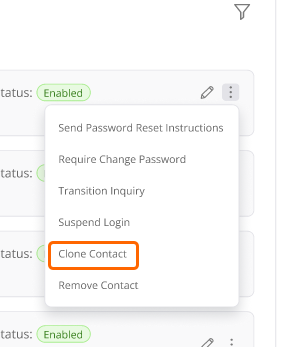
Select Actions (
 ) on the card for the contact you want to clone.
 -
Select Clone Contact.
-
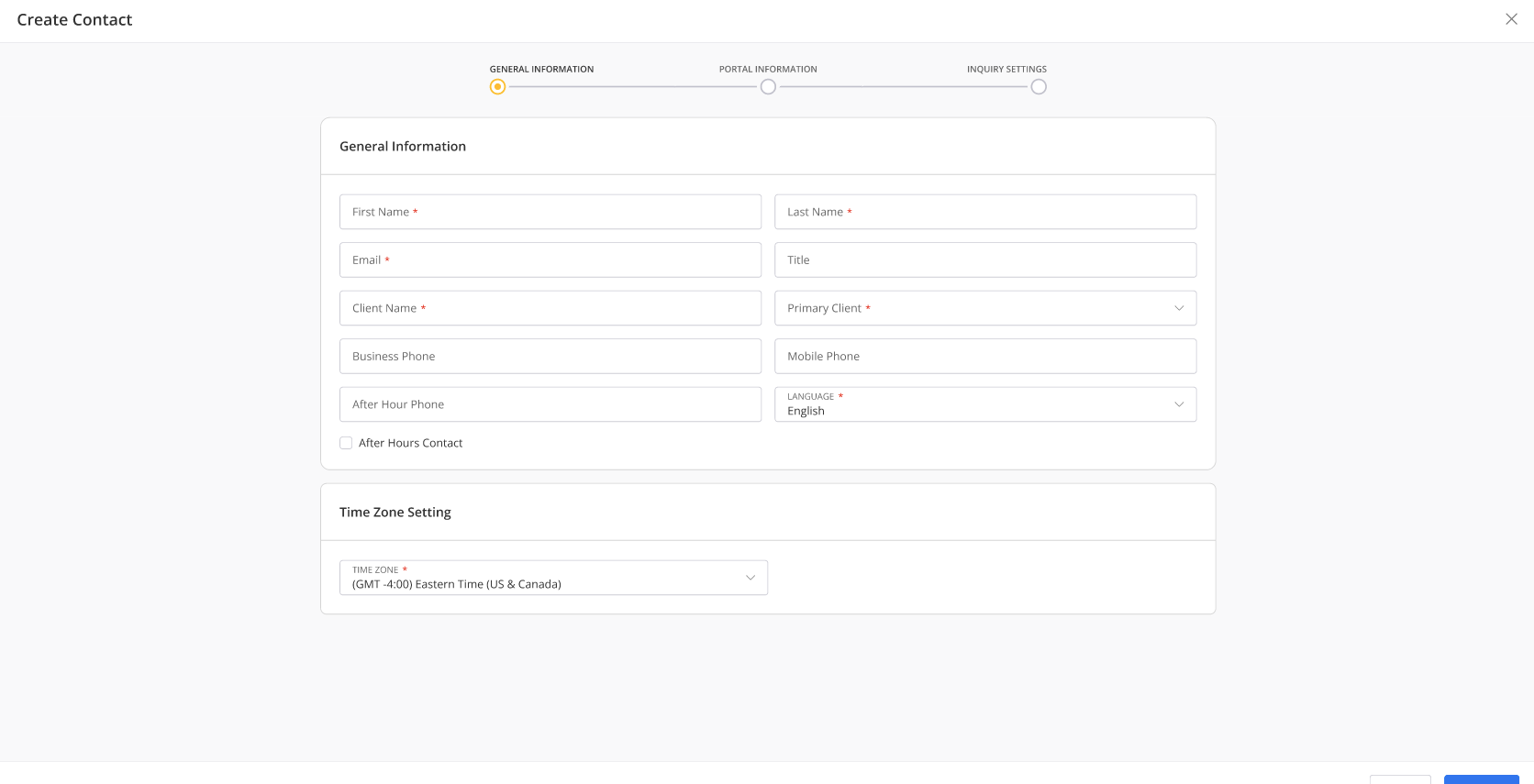
Complete the General Information tab.
-
Select Next.
-
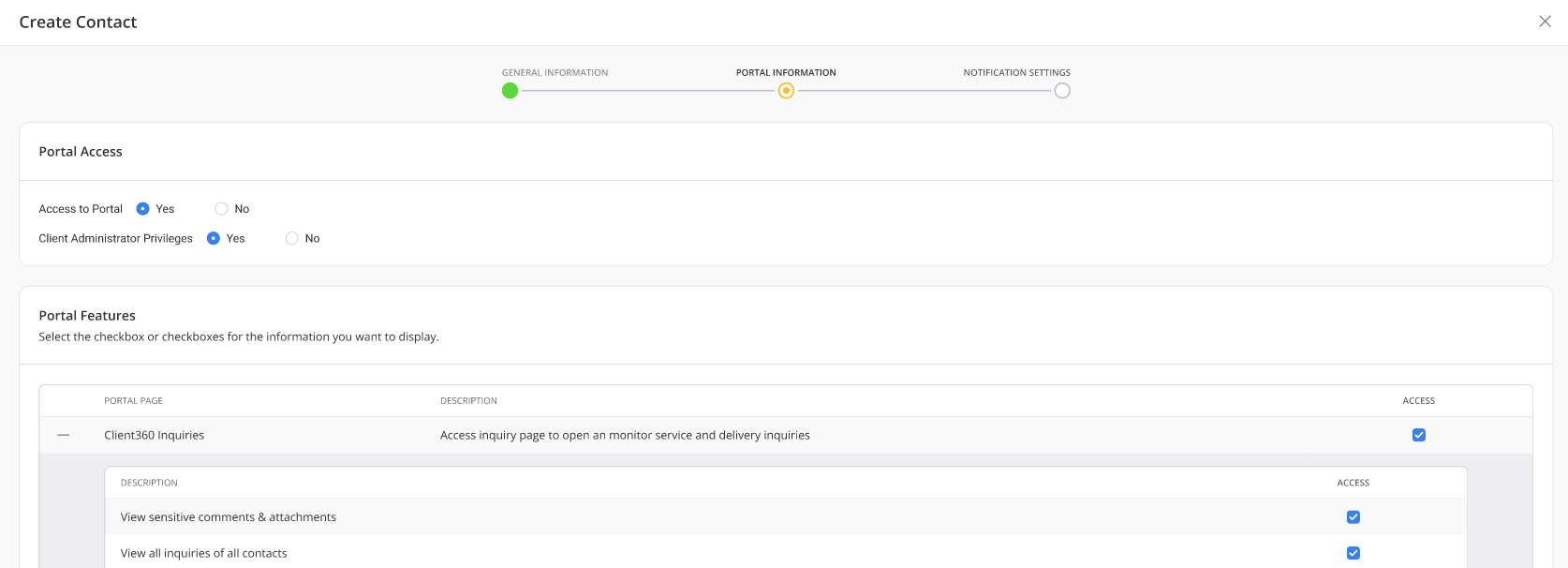
Review the Portal Information tab.
-
Select Next.
-
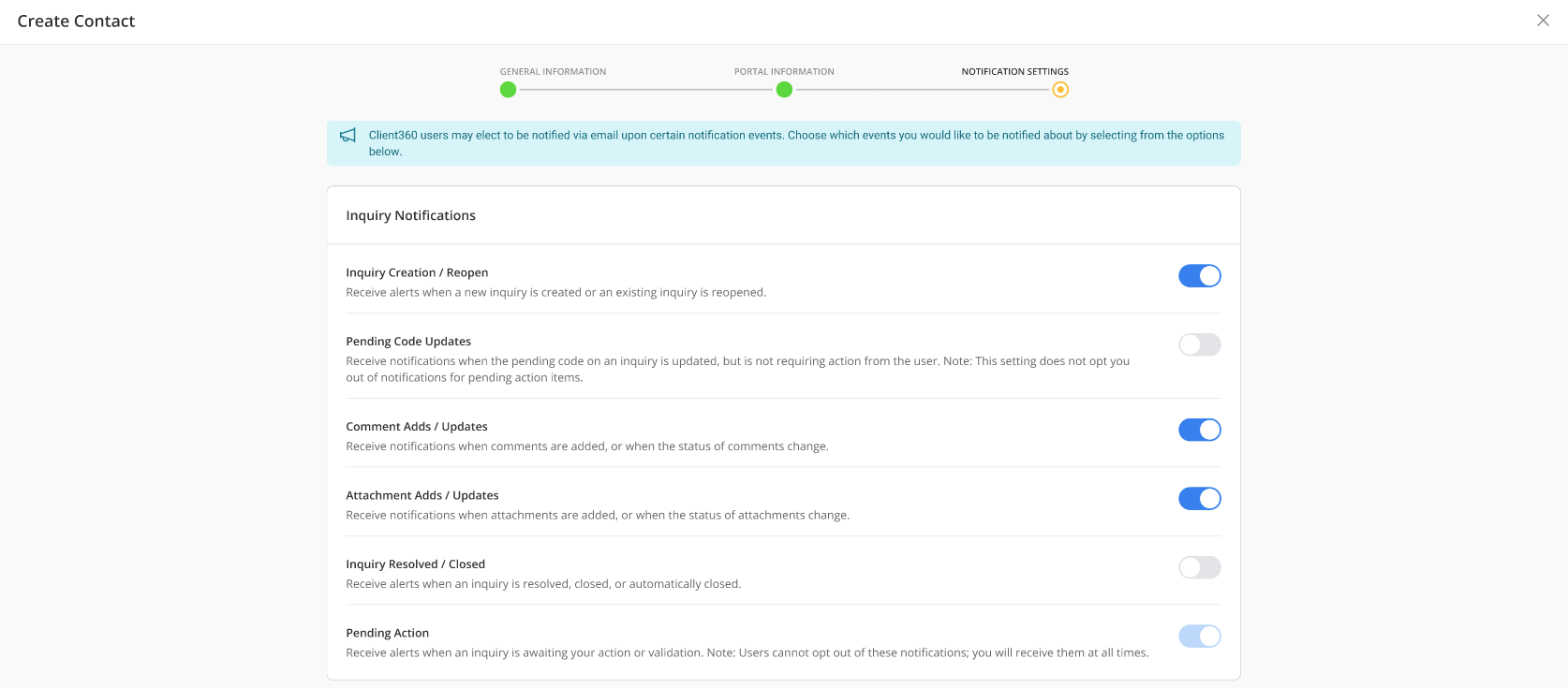
Review the Inquiry Notification settings for the contact.
-
Select Submit.
 View image